

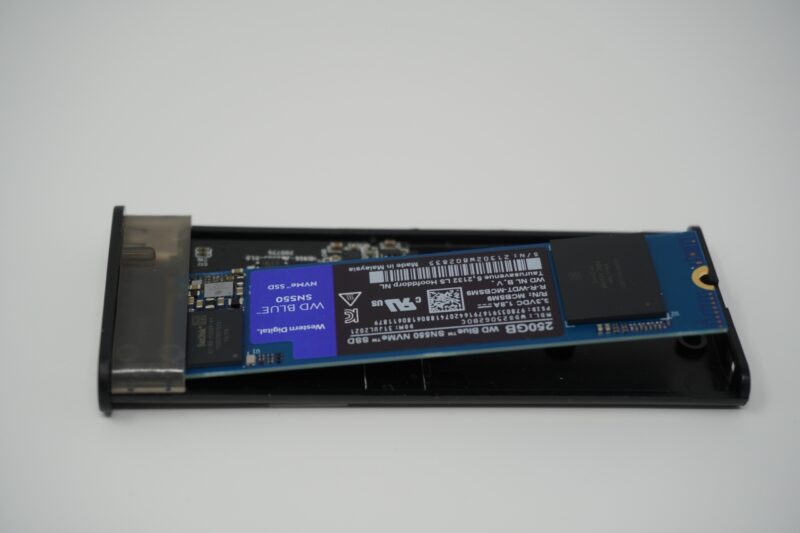
The portability laptops grant users is always evolving. Modern laptops can run for well over eight hours, use the same, fast NVMe storage as their desktop counterparts, and mobile processors are both incredibly efficient and powerful. The tradeoff for this portability comes in features and storage, with most laptops only supporting one or two hard drives. Thunderbolt and USB 3.1 have brought incredible transfer speeds to portable storage, however most portable drives are still SATA solid state drives and even spinning disks.
The latest SATA revision still operates at a theoretical maximum speed to 600 Mbps or .6 Gbps, while USB 3.1 and Thunderbolt speeds begin at 5 Gbps. To begin to saturate a 5 Gbps, 10 Gbps, 20 Gbps, or higher connection, a faster storage medium is needed – enter NVMe. Faster, lighter, and more power efficient than its SATA counterparts, NVMe is incredibly fast storage. While it took some time for NVMe to USB adapters to hit the consumer market, there are now plenty of options available, with prices ranging from $15 to $50 and up.
Specific to my needs, I needed a portable drive with faster speeds to house virtual machines and do HD video editing while away from home. These aren’t tasks I regularly do away from my workstation, so keeping these things on a separate drive makes more sense than taking up space on the single drive of my Thinkpad T15.
I found the Mokin M.2 NVMe to USB Adapter on Amazon, noting that it supported 2242, 2260, and 2280 size drives. Thankfully I already had an unused 2280 drive sitting on my shelf – the Western Digital 250GB WD Blue SN550. Supporting speeds up to 2,400 MB/s, this drive should be able to theoretically take full advantage of USB 3.2’s “SuperSpeed USB 20Gbps”. While it is unlikely to see those speeds under production loads, these speeds will be ideal for video editing and running a small handful of virtual machines while on the road.
Packaging and Assembly
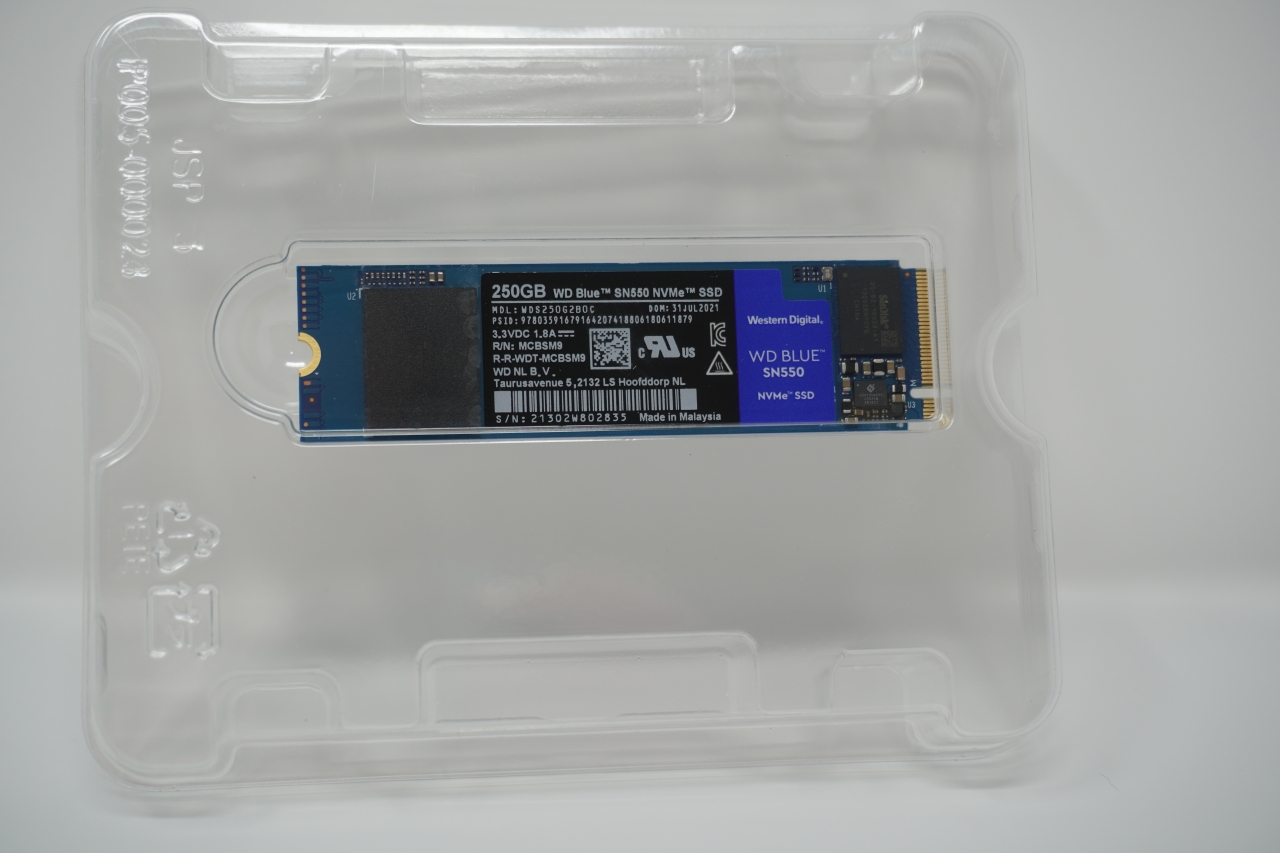
The Western Digital Blue SN550 NVMe drive came in the ever-familiar NVMe packaging: a familiar-sized cardboard exterior with Western Digital’s Blue branding, and a plastic container inside safely protecting the NVMe drive. A window is visible on the back showing the NVMe drive inside.
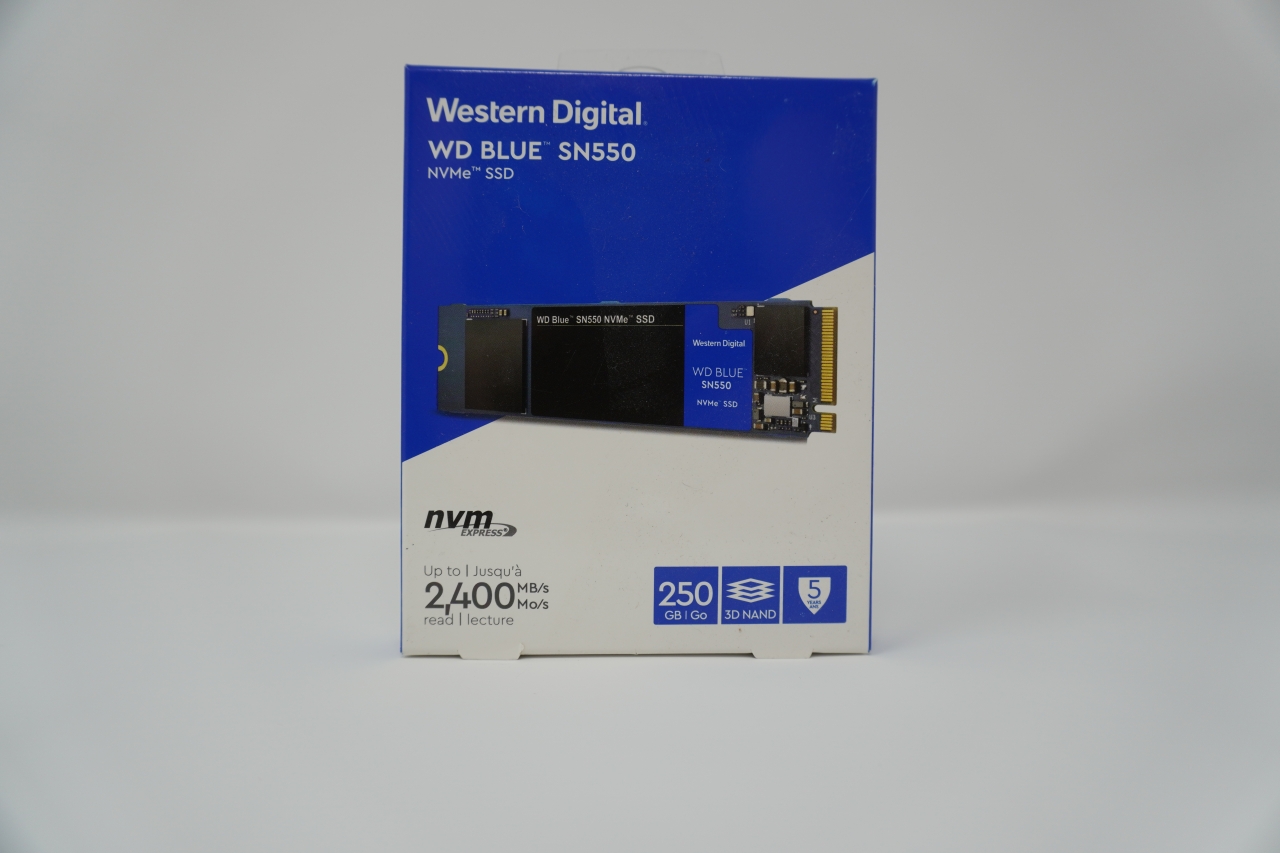
True to the Blue branding, the SN550 is built on a blue PCB.
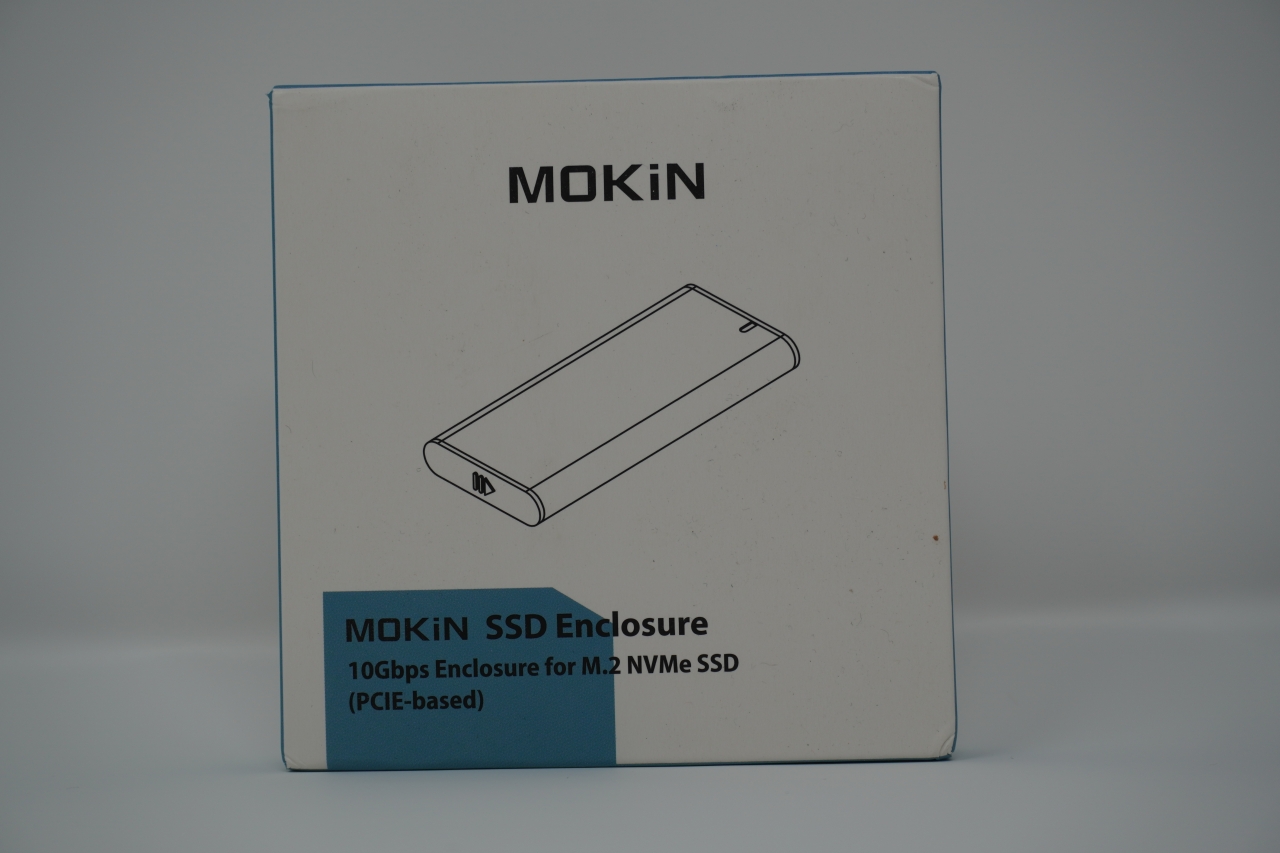
The Mokin enclosure comes in much simpler packaging, and without much protection. This isn’t entirely needed, as the body of the enclosure is sturdy, milled aluminum. The rear of the packaging lists some features of the production, such as support for “Windows XO” and “Windows Visa”. Deviating from Linux for a moment, I recall Windows XP being very driver-dependent. Despite the packaging’s claims of being “plug and play, no drivers required”, I simply can’t imagine what it would actually take to make this device work on Windows XP – USB 3.0 drivers have to be rare enough, but a PCI-Express to USB bridge device? I just can’t see it happening.
Inside the box sits the enclosure itself, as well as two USB cables: USB-C to USB-C and USB-C to USB-A.
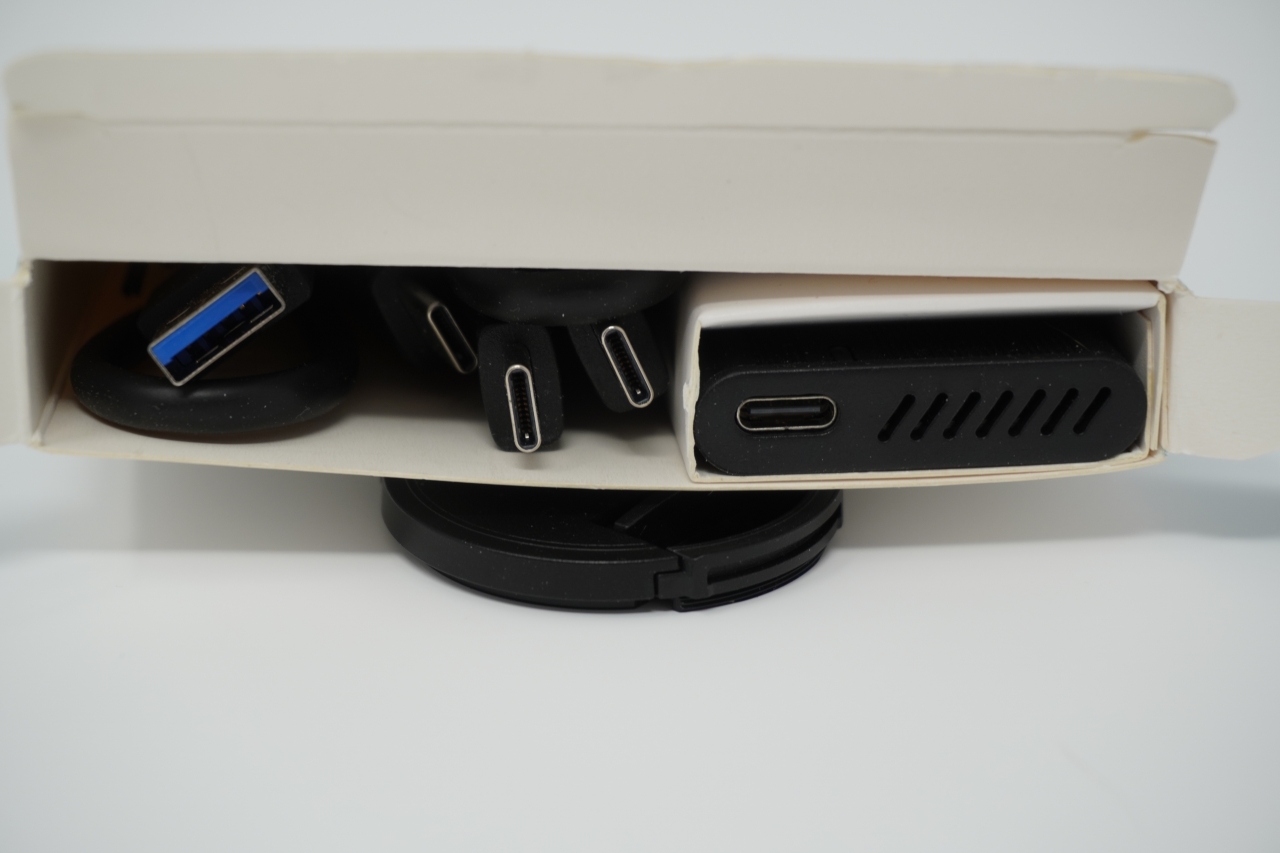
Sliding down the latch on the “bottom” side of the enclosure releases the sled inside where the NVMe card will be placed. The primary interface for the enclosure is USB-C.
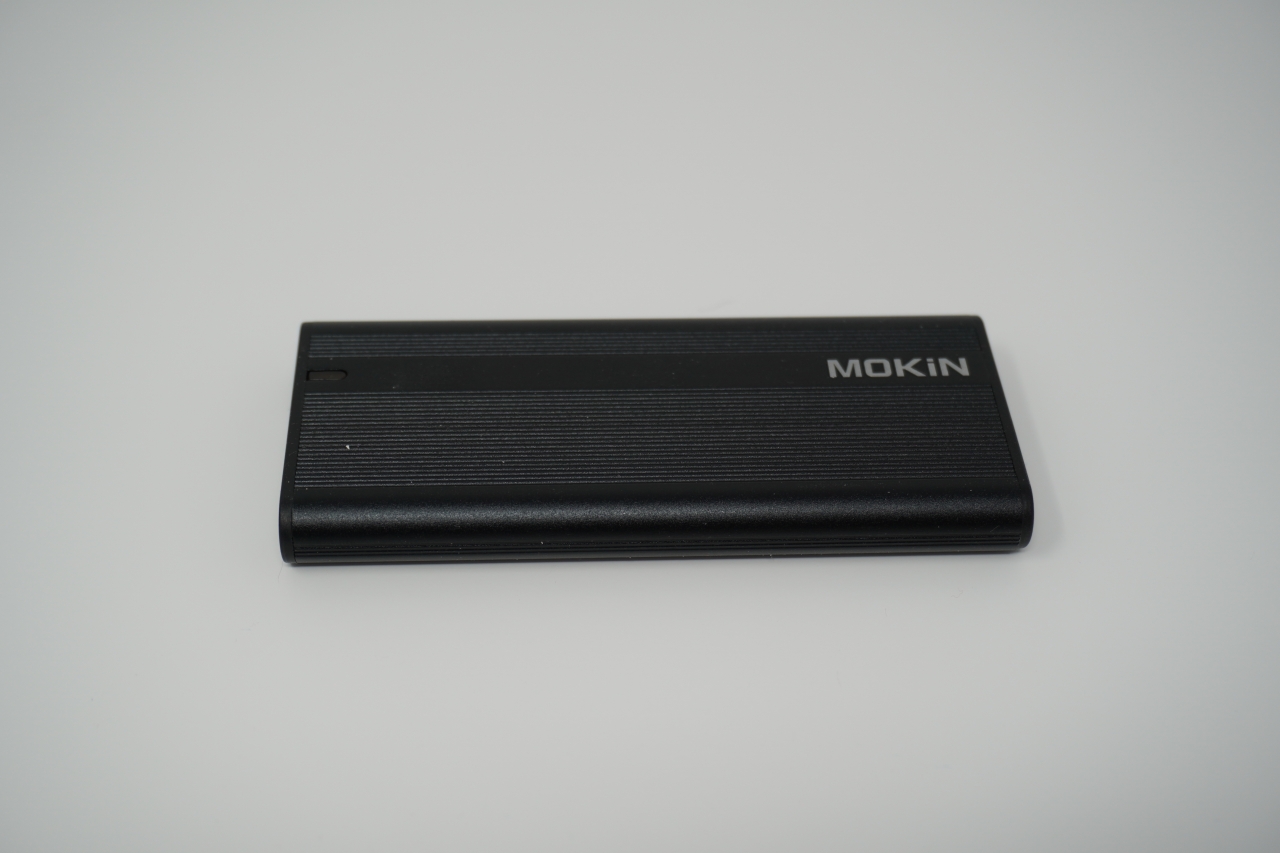
The NVMe card connects to the top of the sled much like it would on a motherboard, and the enclosure also comes with a rubber plunger that is meant to hold the NVMe card in place, making for a tools-free installation.
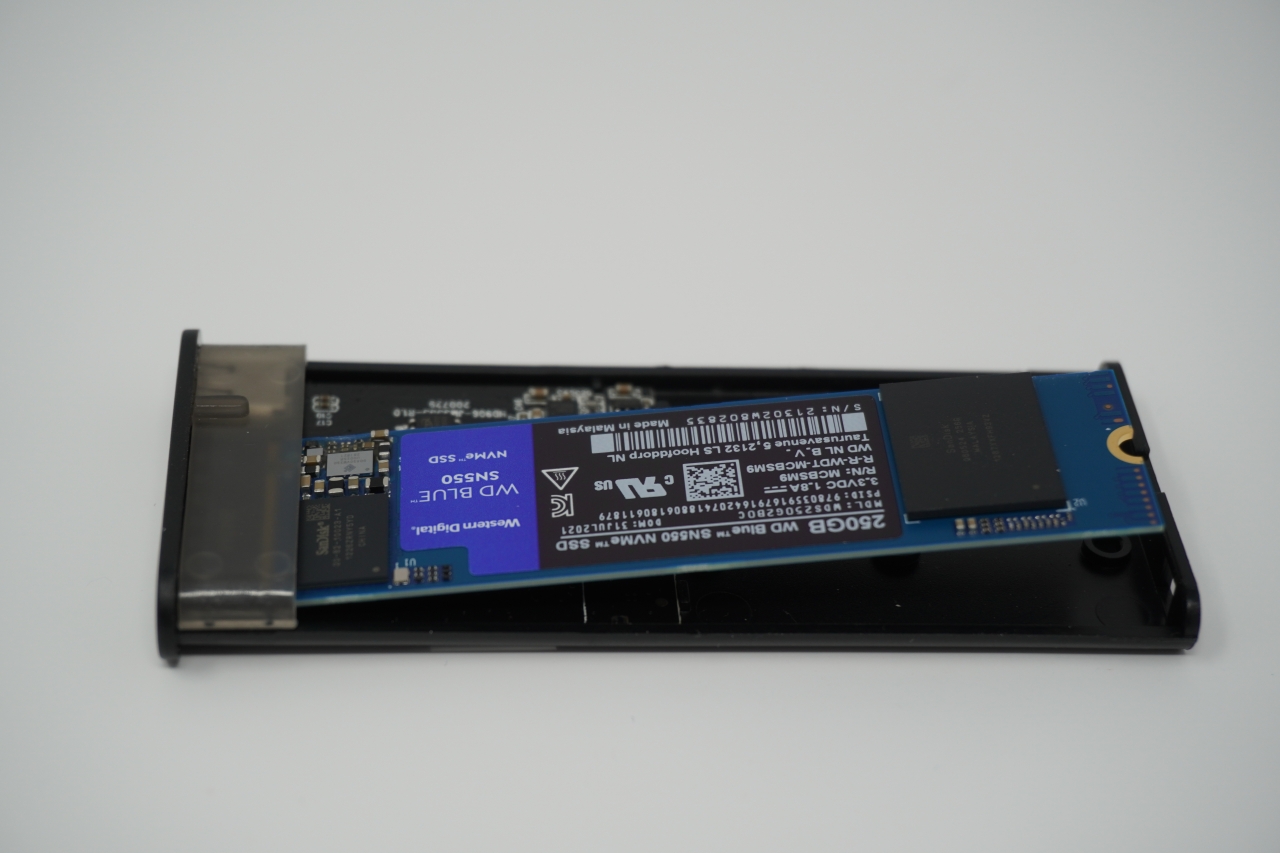
Once the card has been secured, the sled slides back into the enclosure and the end cap can be placed back and switched into locking mode to secure the sled in place.
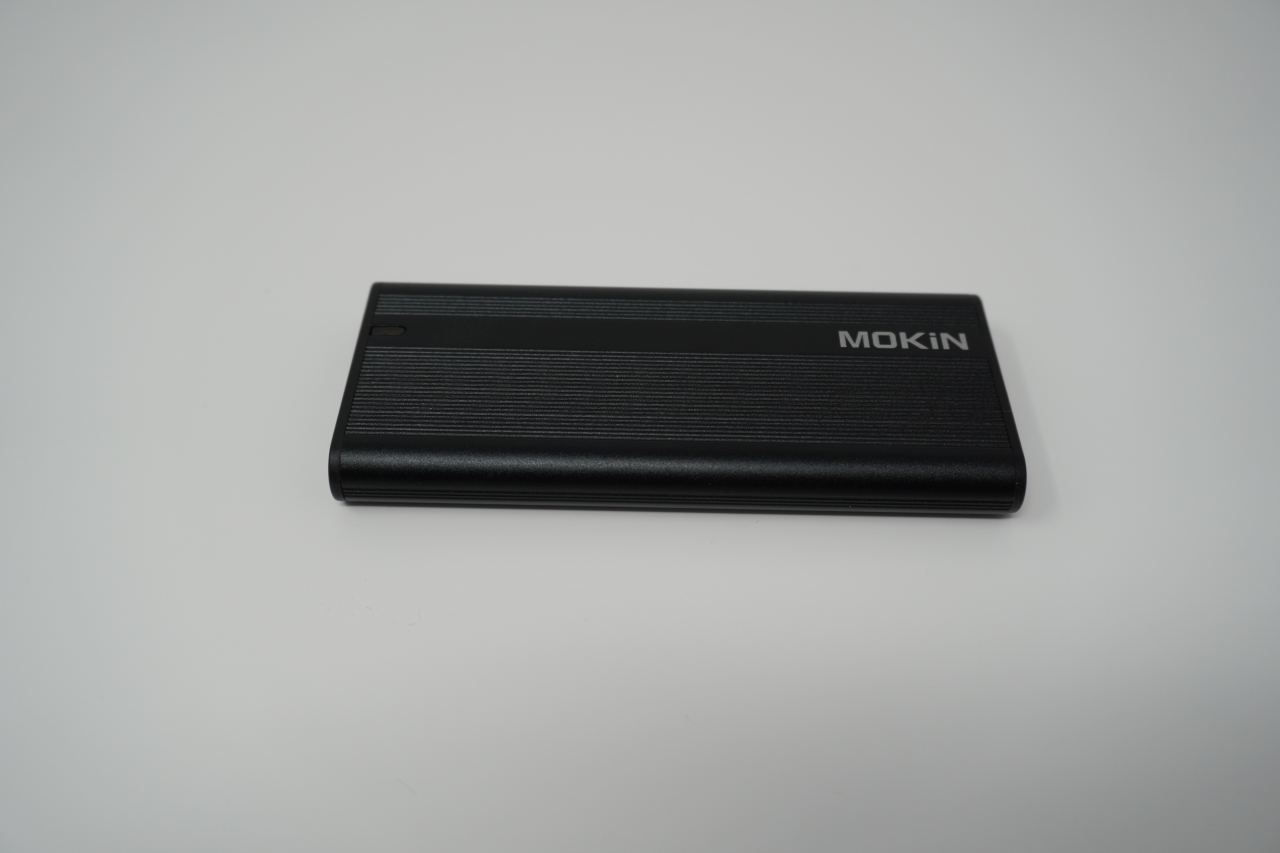
Usage and Testing
A blue LED at the top of the enclosure indicates that the enclosure is powered, and will also blink to indicate drive activity. When I first connected this drive to my workstation, no new drives were found – the LED indicator would come on for about 30 seconds, then shut off. Checking dmesg on the workstation seemed to indicate that the USB-C to USB-C cable that had shipped with the drive was bad. Swapping the cable out for a premium USB-C cable from my collection resolved this issue:
sudo dmesg
[1033954.164476] usb 1-3.4.4: new high-speed USB device number 23 using xhci_hcd[1033954.164476] usb 1-3.4.4: new high-speed USB device number 23 using xhci_hcd[1033954.315473] usb 1-3.4.4: New USB device found, idVendor=152d, idProduct=0583, bcdDevice= 2.09[1033954.315477] usb 1-3.4.4: New USB device strings: Mfr=1, Product=2, SerialNumber=3[1033954.315478] usb 1-3.4.4: Product: USB to PCIE Bridge[1033954.315479] usb 1-3.4.4: Manufacturer: JMicron[1033954.315480] usb 1-3.4.4: SerialNumber: 0123456789ABCDEF[1033954.316523] scsi host11: uas[1033954.316949] scsi 11:0:0:0: Direct-Access JMicron Generic 0209 PQ: 0 ANSI: 6[1033954.317673] sd 11:0:0:0: Attached scsi generic sg4 type 0[1033955.832859] sd 11:0:0:0: [sde] 488397168 512-byte logical blocks: (250 GB/233 GiB)[1033955.832862] sd 11:0:0:0: [sde] 4096-byte physical blocks[1033955.832977] sd 11:0:0:0: [sde] Write Protect is off[1033955.832979] sd 11:0:0:0: [sde] Mode Sense: 6b 00 00 08[1033955.833216] sd 11:0:0:0: [sde] Write cache: enabled, read cache: enabled, doesn't support DPO or FUA[1033955.833416] sd 11:0:0:0: [sde] Optimal transfer size 33553920 bytes not a multiple of physical block size (4096 bytes)[1033955.867675] sde: sde1[1033955.897095] sd 11:0:0:0: [sde] Attached SCSI disk
A little more information can be gained from lsusb, showing the device is a PCI-Express 3.0 x2 bridge, meaning speeds will be limited to around 2 Gbps. This is still faster than what a SATA-based drive can offer.
lsusb | grep -i ‘jmicron’
Bus 001 Device 023: ID 152d:0583 JMicron Technology Corp. / JMicron USA Technology Corp. JMS583Gen 2 to PCIe Gen3x2 Bridge
To test write speeds on the disk, I used dd to write both 1GB and 2GB files:
sudo dd if=/dev/zero of=/mnt/test/bench bs=1024 count=1000000
1000000+0 records in1000000+0 records out1024000000 bytes (1.0 GB, 977 MiB) copied, 1.34255 s, 763 MB/s$ sudo dd if=/dev/zero of=/mnt/test/bench bs=1024 count=20000002000000+0 r
ecords in2000000+0 records out2048000000 bytes (2.0 GB, 1.9 GiB) copied, 2.78332 s, 736 MB/sIn both instances, a sustained write speed of over 700 MB/s was achieved. This 2GB file consisting of zeroes can now be used to test read speeds of the drive by reading the file and outputting the file to /dev/null:$ sudo dd if=/mnt/test/bench of=/dev/null4000000+0 records in4000000+0 records out2048000000 bytes (2.0 GB, 1.9 GiB) copied, 1.31863 s, 1.6 GB/s
1.6 GB/s is much closer to the theoretical 2000 MB/s (2 GB/s) speeds offered by the PCI-Express x2 interface. Even at seven-eighths the theoretical speed, this is still blazingly fast storage.
Random reads are also going to be important for virtual machine and video editing performance, and these can be simulated using a utility such as fio.
fio --name=random-write --ioengine=posixaio --rw=randwrite --bs=4k --numjobs=1 --size=4g --iodepth=1 --ru
ntime=60 --time_based --end_fsync=1random-write: (g=0): rw=randwrite, bs=(R) 4096B-4096B, (W) 4096B-4096B, (T) 4096B-4096B, ioengine=posixaio, iodepth=1fio-3.28Starting 1 processrandom-write: Laying out IO file (1 file / 4096MiB)Jobs: 1 (f=1): [w(1)][100.0%][eta 00m:00s] random-write: (groupid=0, jobs=1): err= 0: pid=3662310: Sat Oct 15 20:55:49 2022 write: IOPS=9334, BW=36.5MiB/s (38.2MB/s)(4096MiB/112336msec); 0 zone resets slat (nsec): min=250, max=1684.1k, avg=943.81, stdev=2165.05 clat (nsec): min=170, max=3200.6k, avg=5123.71, stdev=10250.08 lat (usec): min=3, max=3201, avg= 6.07, stdev=10.49 clat percentiles (usec): | 1.00th=[ 4], 5.00th=[ 4], 10.00th=[ 4], 20.00th=[ 4], | 30.00th=[ 5], 40.00th=[ 5], 50.00th=[ 5], 60.00th=[ 6], | 70.00th=[ 6], 80.00th=[ 6], 90.00th=[ 7], 95.00th=[ 7], | 99.00th=[ 11], 99.50th=[ 14], 99.90th=[ 65], 99.95th=[ 87], | 99.99th=[ 265] bw ( KiB/s): min=300952, max=652016, per=100.00%, avg=599186.29, stdev=87476.01, samples=14 iops : min=75238, max=163004, avg=149796.57, stdev=21869.00, samples=14 lat (nsec) : 250=0.01%, 500=0.01%, 750=0.01% lat (usec) : 4=24.32%, 10=74.47%, 20=0.91%, 50=0.16%, 100=0.11% lat (usec) : 250=0.02%, 500=0.01%, 750=0.01%, 1000=0.01% lat (msec) : 2=0.01%, 4=0.01% cpu : usr=1.11%, sys=2.98%, ctx=1125327, majf=0, minf=29 IO depths : 1=100.0%, 2=0.0%, 4=0.0%, 8=0.0%, 16=0.0%, 32=0.0%, >=64=0.0% submit : 0=0.0%, 4=100.0%, 8=0.0%, 16=0.0%, 32=0.0%, 64=0.0%, >=64=0.0% complete : 0=0.0%, 4=100.0%, 8=0.0%, 16=0.0%, 32=0.0%, 64=0.0%, >=64=0.0% issued rwts: total=0,1048577,0,0 short=0,0,0,0 dropped=0,0,0,0 latency : target=0, window=0, percentile=100.00%, depth=1Run status group 0 (all jobs): WRITE: bw=36.5MiB/s (38.2MB/s), 36.5MiB/s-36.5MiB/s (38.2MB/s-38.2MB/s), io=4096MiB (4295MB), run=112336-112336msecDisk stats (read/write): sde: ios=0/10690, merge=0/147, ticks=0/638431, in_queue=639474, util=94.96%
The result of fio shows random write speeds of around 36 MB/s, whereas a native PCI-Express 3.0 x4 NVMe drive is more in the realm of 230 MB/s or higher. This can likely be attributed to the USB interface, however these speeds are still more than acceptable for production use.
Final Thoughts
NVMe drives offer much higher performance than traditional SATA solid state drives, and the ability to package an NVMe drive in a USB enclosure opens the door to significantly faster portable storage. While the Mokin M.2 NVMe to USB Adapter only offers a PCI-Express 3.0 x2 interface, the theoretical maximum performance is still much higher than that of any SATA-based USB drive. Pairing the Mokin enclosure with a Western Digital Blue SN550 NVMe drive shows significant performance gains, and for me, provides a fantastic portable storage medium for video editing and running virtual machines on the road.
As USB 4 becomes more widely adopted, it is inevitable that PCI-Express 4.0 and perhaps even PCI-Express 5.0 x2 and x4 bridges will enter the consumer market at wildly affordable pricing, further increasing the potential speeds of portable storage.